
Borderlands 4 Cheats: Trainers, SHiFT codes, and what actually exists
Borderlands 4 Cheats in the classic sense do not exist: Gearbox and 2K have not published built-in cheat codes, an official developer console, or documented debug commands. What you will find are two very different things, and they should not be mixed up. SHiFT codes are an official reward system, for example for Golden Keys. Trainers such as WeMod’s are a third-party tool for single-player on PC. This guide keeps those apart and spells out the risks. For the game page, see our Borderlands 4 review.
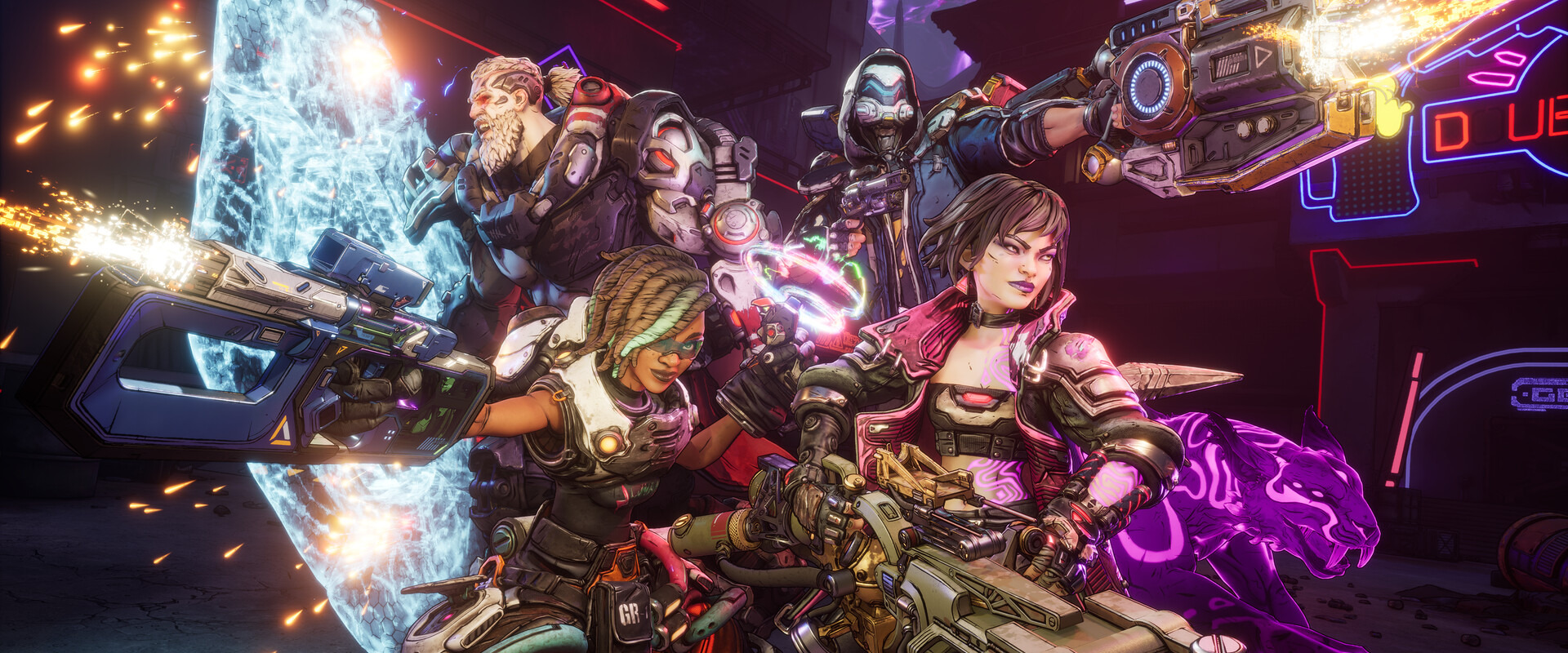
Are there official Borderlands 4 Cheats?
No. Official help pages, FAQs, and support articles for Borderlands 4 do not list cheat codes, console commands, or a toggle for an official god mode or unlimited ammo. Lists of supposed commands you may see online usually belong to unofficial tools, not to a feature Gearbox built into the game.
That is true on PC, PlayStation 5, Xbox Series X|S, and Nintendo Switch 2. On consoles there is therefore no official way to enter such commands. On PC, community mods and memory editors do appear – those are not built-in cheats, and you should not use unverified downloads.
If you want an easier run or simply want to claim rewards, two clean options remain: the official SHiFT system – and, only in single-player on PC, a trainer from a known provider whose offering you check yourself.
SHiFT codes: official rewards, not a cheat
SHiFT is Gearbox’s free account system. In Borderlands 4 it powers online matchmaking and cross-play, among other things. It is also how you redeem SHiFT codes. The codes are often time-limited and typically unlock in-game rewards such as Golden Keys for rare loot. That is an official reward system, not a cheat and not a way to break the rules of the game.
Here is how you redeem a code:
- Create a free SHiFT account on the official Gearbox SHiFT site, or sign in – with an email address or a platform account (Steam, Xbox, PlayStation, Epic Games, and others).
- Under “Gaming Platforms”, link the platform you use to play Borderlands 4.
- Redeem the code in the Rewards tab on the SHiFT site – or in-game via the SHiFT menu, also on the Rewards tab.
- Each code can be redeemed once per SHiFT account. Many codes expire quickly; current codes are published on the team’s official channels.
A live list of codes does not belong in this guide: it would go stale fast, and made-up codes would be worthless. Only take codes from official sources, such as the Borderlands or 2K social channels, or an email tied to your SHiFT account.
Golden Keys are added straight to your inventory. You can check the total on the inventory tab by hovering over Currency in the lower right, next to cash and Eridium. Use the keys to open golden chests on Kairos; the loot scales to your character’s level at the moment you open the chest. The keys themselves cannot be traded or sold, and each key can be used only once. The items you get can still be sold, stored, or traded as usual.
A full walkthrough is in the official SHiFT User Guide. If something goes wrong, see Borderlands support on redeeming SHiFT codes and the article on Golden Keys.
Borderlands 4 trainers: what WeMod lists
Trainers are not built-in cheats. They come from third parties, typically by writing to the running game’s memory, and they are not made by Gearbox or 2K. For Borderlands 4, the official WeMod page currently lists 45 functions. This was checked on 16 November 2026. The trainer is offered there for Steam and the Epic Games Store.
WeMod describes usage like this: the app detects games installed on your PC, you launch Borderlands 4 through it, and only after the game has loaded can you turn functions on. The app also checks whether your game version is supported. WeMod itself is a Windows app; there is no such path on PlayStation, Xbox, or Switch 2.
The 45 functions are grouped into seven categories on the official page. The names below are exactly as WeMod lists them – and as they appear in the app.
Player Mods
| Function |
|---|
| God Mode / Ignore Hits |
| Unlimited Health |
| Defense Multiplier |
| Unlimited Shield |
| Unlimited Ammo |
| No Reload |
| Instant Reload |
| Super Accuracy |
| No Recoil |
| Rapid Fire |
| No Repkit Cooldown |
| Unlimited Glide Duration |
| Unlimited Skill Duration |
| Instant Skill Cooldown |
| Instant Grenade Cooldown |
| 100% Critical Chance |
| 100% Drop Rate |
| Max Highest Tier Drop Rate |
Inventory Mods
| Function |
|---|
| Edit Money |
| Money Multiplier |
| Edit Eridium |
| Eridium Multiplier |
| Edit Inventory Space |
Stats Mods
| Function |
|---|
| Unlimited XP |
| XP Multiplier |
| Edit Skill Points |
| Edit SDU Tokens |
| Edit Max Health |
| Edit Max Shield |
Enemies Mods
| Function |
|---|
| Super Damage / One-Hit Kills |
| Damage Multiplier |
Game Mods
| Function |
|---|
| Game Speed |
| Set FOV |
| Instant Vending Machine Refresh |
| Freeze Daytime |
| Time Speed |
Physics Mods
| Function |
|---|
| Movement Speed Multiplier |
| Player Speed Multiplier |
| AI Speed Multiplier |
| Unlimited Jumps |
| Jump Height Multiplier |
| Gravity Strength |
Teleport Mods
| Function |
|---|
| Save Location |
| Teleport to Saved Location |
| Teleport to Waypoint |
This is the public list as WeMod presents it – not a guarantee that every function works cleanly on every patch. After game updates the count or availability can change; the current official page is always the reference.
We only link that official page. We deliberately do not add download links to other, unverified trainers.
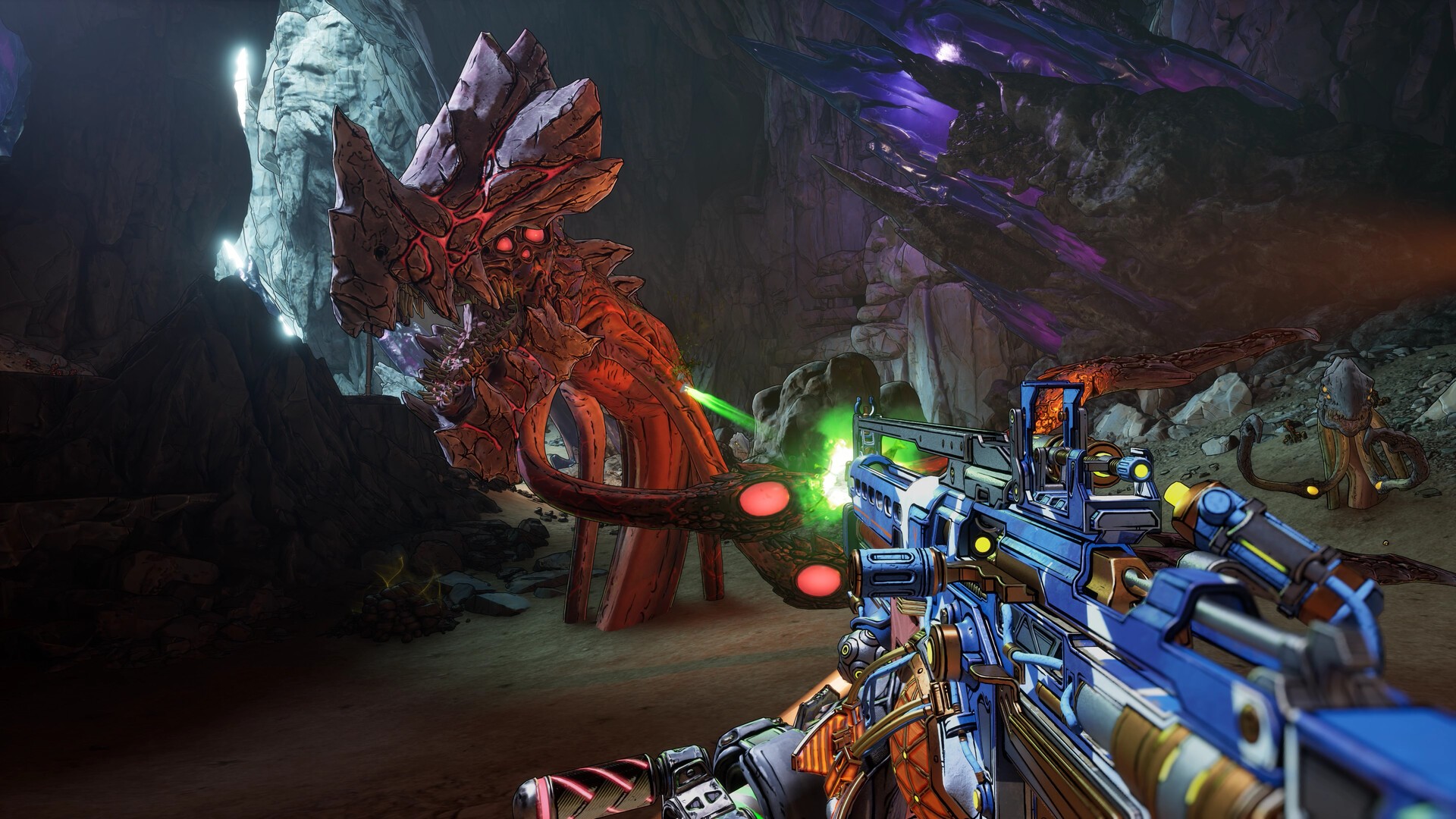
Risks for achievements, saves, and co-op
You can play Borderlands 4 solo or in online co-op with up to four players, with cross-play through SHiFT. That is exactly why trainers have a hard limit: they belong in single-player only.
WeMod’s acceptable use policy forbids using the service in multiplayer or competitive modes and prohibits violating a game’s rules or terms of service. Co-op and matchmaking fall under that. Anyone who still uses a trainer online risks not only an unfair advantage over teammates and other players, but also bans or other action by the platform or publisher. That is not worth it.
Even in single-player, risks remain:
- Achievements: A trainer does not automatically disable achievements. Whether one still unlocks depends on the game and the platform. Do not assume your achievement list will stay untouched, and do not expect an official safeguard either.
- Saves: Save files can be corrupted or changed in unexpected ways when values are overwritten in a running game. Back up your saves before you use a trainer.
- Online features: You should avoid SHiFT, matchmaking, and shared sessions while trainer functions are active.
If you are unsure, play without a trainer – or stick to the official SHiFT system.
Frequently asked questions about Borderlands 4 Cheats
Are there cheat codes for PS5, Xbox, or Switch 2?
No. There are no officially documented cheat codes or console commands, and WeMod trainers are limited to PC (Steam and Epic Games, Windows).
Are SHiFT codes cheats?
No. SHiFT codes are an official Gearbox reward system. You redeem them through your SHiFT account or in-game and may receive Golden Keys, for example.
Where do I get current SHiFT codes?
From official Borderlands and 2K channels, and from emails tied to your SHiFT account. A fixed list in this guide would go stale quickly.
Can I use a trainer in co-op?
No. Trainers are third-party tools for single-player. WeMod’s rules exclude multiplayer and competitive play. In co-op you risk bans and spoil the session for everyone else.
Will a patch change the trainer functions?
Yes, that can happen. The 45 functions apply as of 16 November 2026 on the official WeMod page. After updates, you should check the page again.