Robin Hartmann
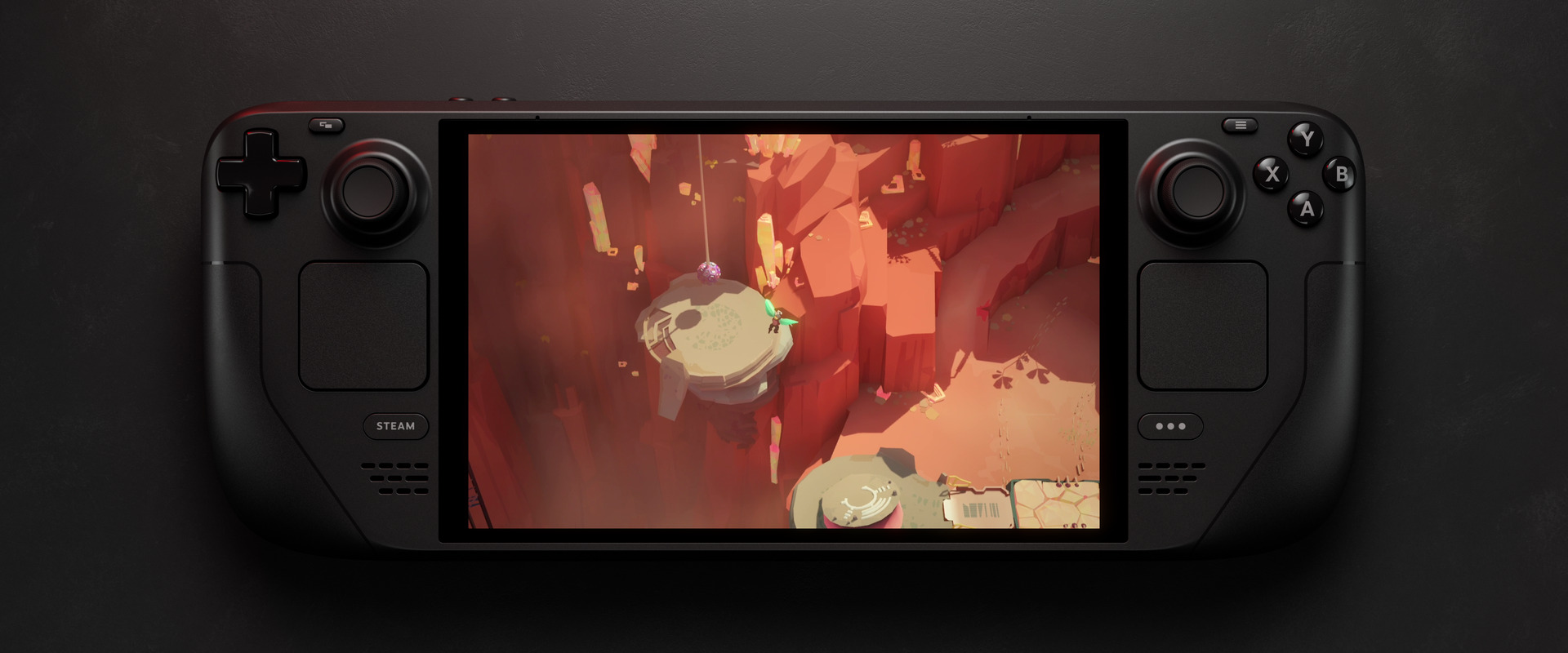
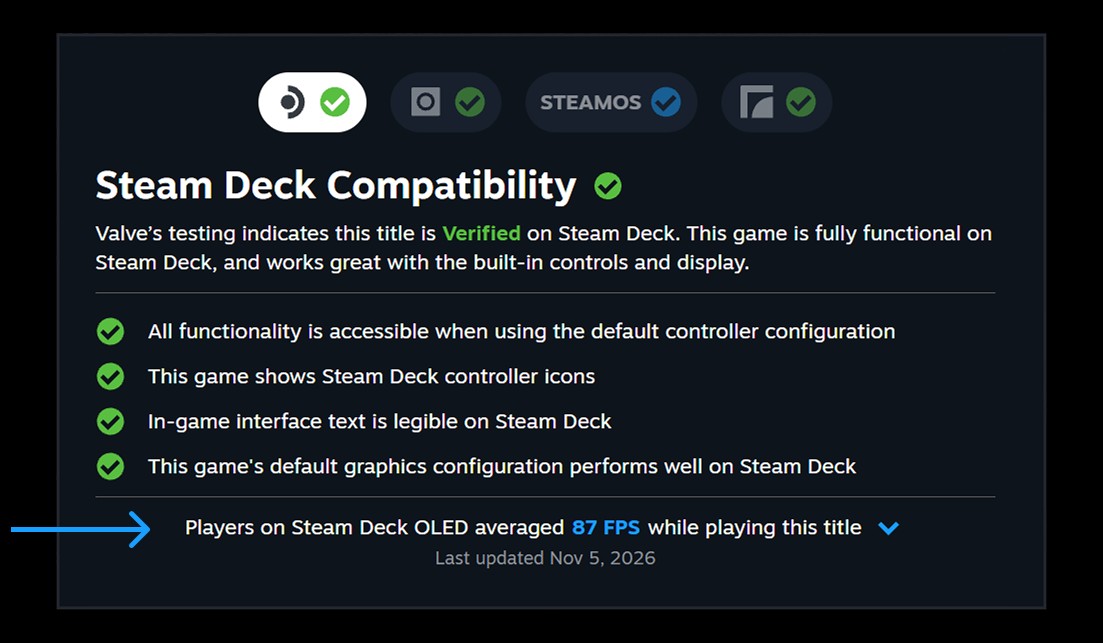
Steam now shows real Steam Deck FPS right in the store. For games that have been tested for Deck compatibility, you can see the average frame rate other Deck players get – and, if you want, a histogram that also makes hitches visible. Since November 11, 2026, this is available to everyone.
Valve announced the feature on November 9, 2026, in an official Steam post. That post includes an update dated November 11: the data is now available on the store and in the Steam Client on desktop and on Deck for everyone. The Steam Client update from the same day confirms that step.
How to find the new Steam Deck FPS figures
Steam calculates the average from players who have opted in to sharing performance data. It is available for titles that have been tested for Deck compatibility – Verified, Playable, and Unsupported. At the time of the announcement, thousands of games already had data, and that number is expected to grow.
You will find the Steam Deck FPS figures on each game’s store page under Steam Deck Compatibility > Learn more. Steam also shows them in your library; that view started in the Steam Client Beta and has been in the regular client since November 11.
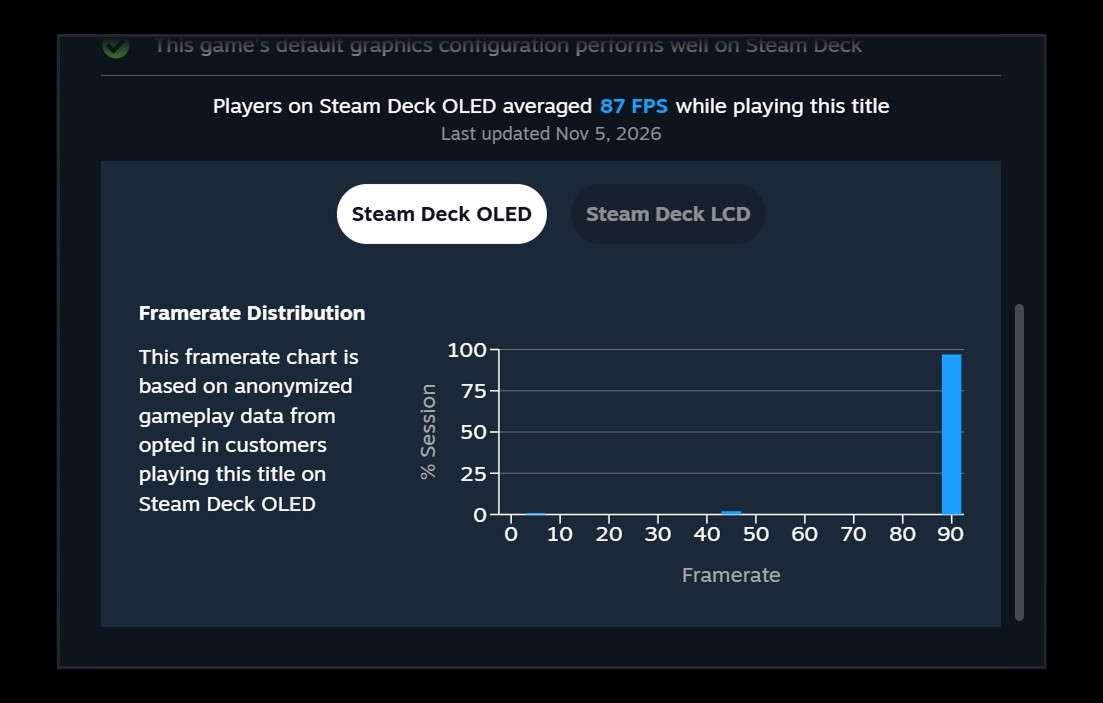
There is also an expandable detail view with a histogram. It breaks down the share of samples at each frame rate. That makes it clearer how the average is produced, and how often players run into hitches or stuttering, which show up as thin columns at the lower values.
The reasoning is refreshingly direct: the existing Steam Deck Verified rating follows standardized test criteria, but it may not match every player’s bar for acceptable gameplay. A game can be marked Unsupported because of unstable performance and still feel playable to some people. A Verified title may not reach the frame rate someone actually wants to play at. The new figures are meant to close that gap.
Where the Steam Deck FPS data comes from – and where it stops
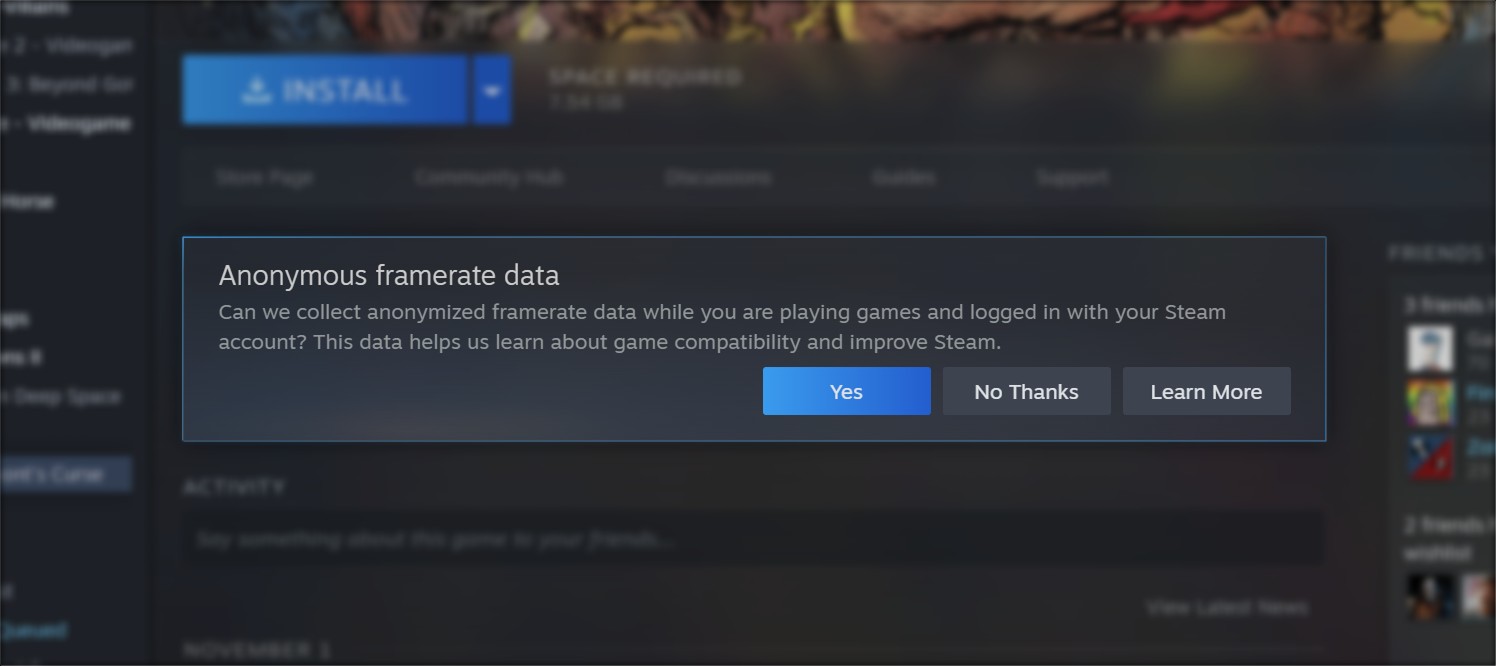
The data comes from Steam Deck players who have opted in to providing anonymized framerate data. Valve says a majority of Deck players have done so. You will be prompted in the Steam Library, and you can also change the setting under Steam Account Settings > Data & Browsing > Anonymous Game Framerate Data.
One important limit: the average and the histogram only include Decks set to the default frame cap – 90 FPS on Steam Deck OLED and 60 FPS on Steam Deck LCD – so the performance bar stays consistent. Custom in-game graphics settings are not accounted for. Even so, Valve says the figures still settle around relatively narrow ranges. Idle time and invalid samples are filtered out, and multiple samples are taken from each play session. A game also needs a minimum number of anonymous data points before any average is shown.
If a histogram shows a large gap between 90 and 45 FPS, Valve says that is usually a mismatch between the display’s refresh rate and the frame rate the game is trying to hit, whether because of performance or an in-game cap. In that case the system uses VSync to avoid tearing. On a 90 Hz display, that can produce a typical pattern that jumps between 90 and 45 FPS.
Next, Valve wants this on more than the Steam Deck
Valve describes the update as a stepping stone toward framerate data for more devices than just Steam Deck. It is starting with the Deck because every unit has the same hardware, which makes the numbers easier to read. Steam is also prompting players in the desktop client to share anonymized framerate data. In the November 9 announcement, that prompt was still limited to the Steam Client Beta and was due to roll out to everyone later. The November 11 client update says the prompt is now also shown in the regular Steam desktop client. Visible frame-rate data for devices other than the Steam Deck is not available yet.
Our take
For me, this fills a real gap: a green Verified badge never told me whether a game would actually feel smooth on the Deck. The limits are spelled out fairly – the average uses the default frame caps and does not factor in custom graphics settings. Even so, a mean from real play sessions is worth more before a purchase than a blanket seal of approval. I am curious when Valve extends this to other devices; for the Deck, it already helps buyers.